Frequently asked questions (FAQ)
Don't have your own Matrix instance yet? You'll find the right hosting with us.
In this section, we answer the most frequently asked questions about Matrix, the messenger solution. Is something missing? Let us know.
What do I need to consider before running a Matrix instance?
What matters most is the domain you specify, i.e., the address at which the service you booked will later be reachable.
It doesn't matter whether the domain is registered with us or with another provider, as long as you have access to the domain's DNS settings.
Then we'll be happy to take care of the necessary DNS changes for you.
After you place your order in our shop, you'll see which DNS records you need to set and where. You can also have them checked for correctness right there.
If a file needs to be provided on the main domain, this is also shown there, along with an option to check it.
As soon as the check turns "green", the installation starts in the background and you'll receive your login credentials shortly afterward.
How do I connect to my Matrix instance?
To connect to your Matrix instance, you need a Matrix client, such as Element. You can find other clients at matrix.org.
Here's how to connect with Element:
- Download the Element client for your device.
- Sign in with the credentials provided. Make sure that the server name is set to the domain of your Matrix server - otherwise you may accidentally create a new account on matrix.org instead of signing in to your own instance.
- Important: Be sure to set up a key backup and store the required passphrase in a safe place so that you can find it again if you ever need it.
Which browser versions does Element Web support?
Element Web supports the two most recent versions of the following browsers:
- Chrome Desktop
- Firefox Desktop
- Edge Desktop
- Safari
In general, however, we recommend using the Element desktop or mobile app.
How do I create users?
To create new users on your Matrix instance, we provide the web interface "Ketesa", formerly known as "Synapse Admin".
There you can easily create and manage users.
Sign in with the credentials we provided:
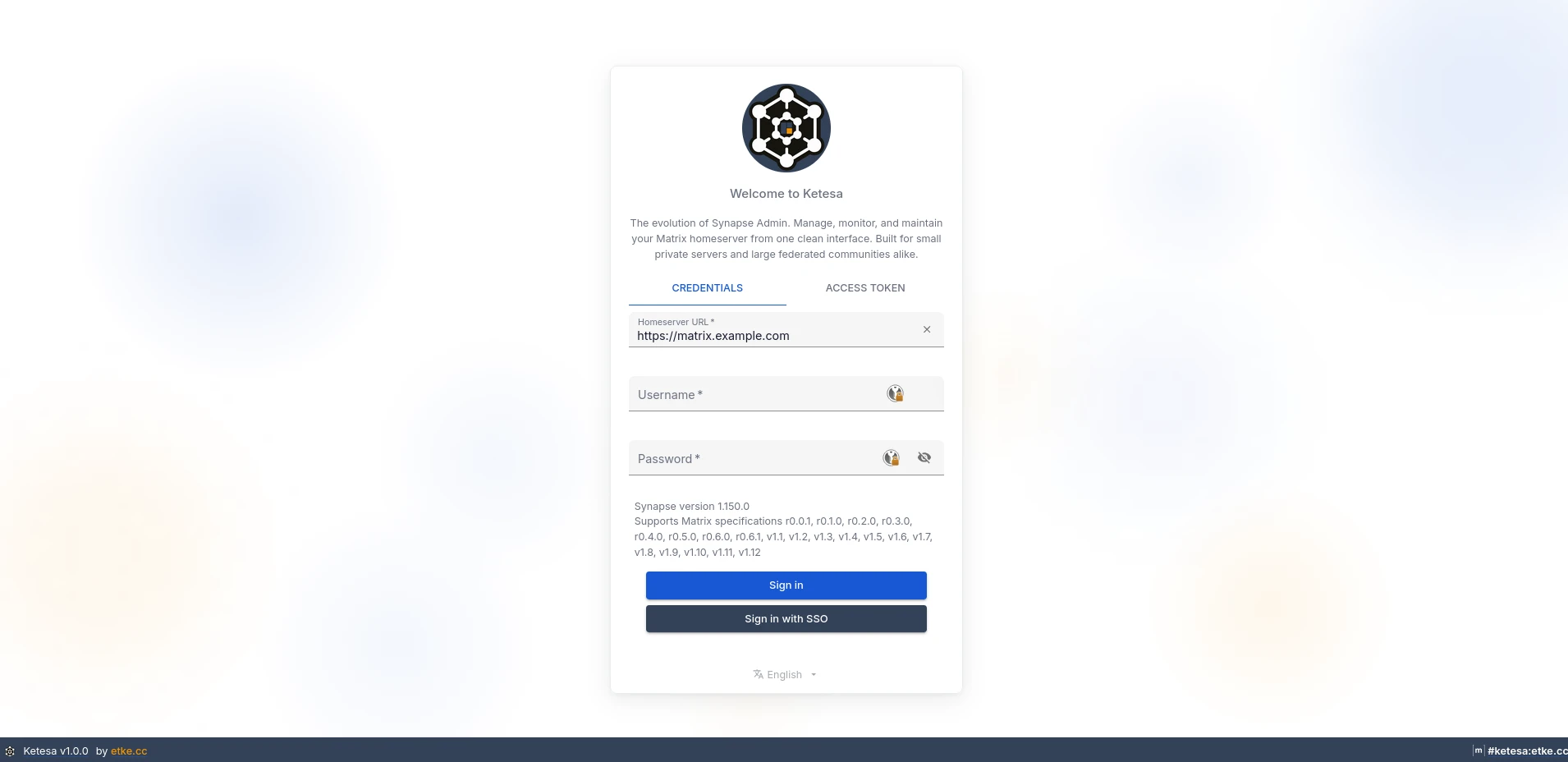
Screenshot: Ketesa, © 2018-2023 Awesome Technologies Innovationslabor GmbH, 2024-2026 etke.cc team, licensed under the Apache License 2.0.
After signing in, switch to the "User" section to create and manage your user accounts.

Screenshot: Ketesa, © 2018-2023 Awesome Technologies Innovationslabor GmbH, 2024-2026 etke.cc team, licensed under the Apache License 2.0. Modified by us.
This feature is only available in the current Essential, Advanced and Professional plans and in the former Team plan. If you are on one of the former plans "Persönlich" (Personal) or "Familie" (Family), which are no longer available, you need to upgrade to a current plan to use this feature. You can find the current plans in our shop.
Are my chats via the Matrix bridges end-to-end encrypted?
On the Matrix side, yes: chats via our bridges for Discord, Signal, Telegram and WhatsApp are always end-to-end encrypted - we enforce this in the configuration of the mautrix bridges. However, the encryption ends at the bridge. The bridge has to decrypt the messages and process them in plain text in order to pass them on to the other platform. From there on, the protection level of the respective platform applies. True end-to-end encryption between you and your contacts on the other platform is therefore technically not possible with a bridge. You can find more details on the Bridges page.